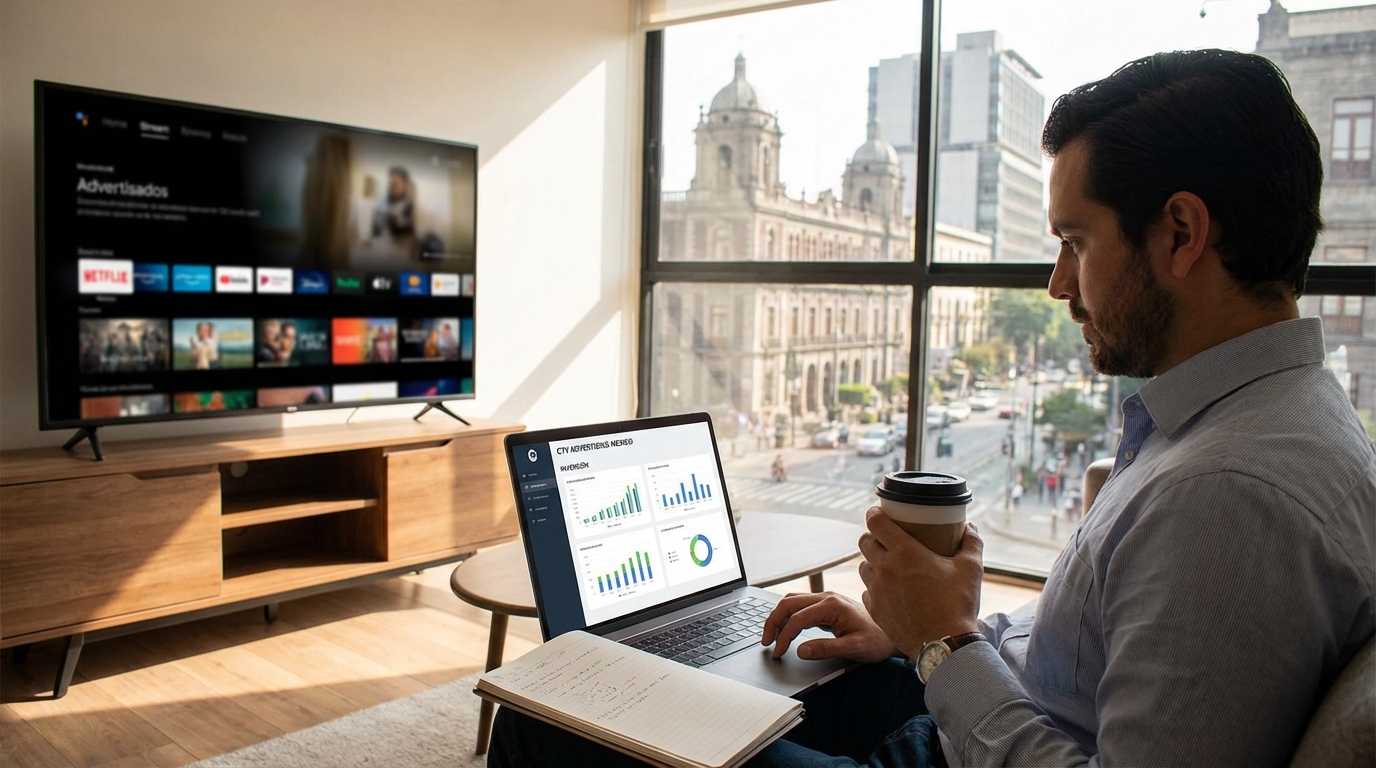
People no longer turn on the TV “to see what’s on”; they turn on the screen to open a streaming app. In Mexico, 67% of people now enjoy content on Connected TV (CTV) devices, with movies, series, and soccer being the most-watched content according to Comscore. If your brand is still focusing almost all of its budget on social media or only on traditional ads, you are missing out on a huge showcase: advertising on devices like Roku, Samsung, Fire TV, and other CTV devices.
The advantage is that today, advertising on Streaming TV is no longer just for big brands with million-dollar budgets. With self-service advertising platforms for Streaming TV and CTV, any business in Mexico—from an e-commerce site to a local restaurant chain—can appear on the big screen, with flexible budgets and real-time metrics.
Why is Streaming TV advertising key for Mexican companies?
Advertising on devices like Roku, Samsung, Fire TV, and other CTVs has become one of the fastest-growing strategies in Mexico. An industry report revealed that these platforms grew faster than giants like Netflix and Amazon thanks to the arrival of advertising and the advantages they offer to advertisers according to El Financiero. For an SME, this means one thing clearly: there is less saturation than on ultra-mature platforms and more opportunities to stand out.
Furthermore, these platforms are not only growing in users; they are also betting big on the advertising business in Mexico. Mirjam Laux, Vice President of International Platform at Roku, put it directly: “We are happy to bring our advertising business to Mexico, a market where streaming has already seen great growth and is becoming part of the mainstream” according to TVyVideo. When a platform publicly declares that Mexico is a priority, it is a sign that more inventory, more options, and better tools for advertisers are coming.
And there is another key point: attention. On CTV, people usually watch content on the big screen, in “couch mode,” with fewer distractions compared to the infinite scroll of a mobile phone. Your video is seen like a television ad, but with the precision of digital targeting and real-time measurement. It is a powerful combination for any performance or branding strategy.
How Streaming TV and Connected TV advertising works
Before thinking about creative, it is worth understanding the basics. Advertising on devices like Roku, Samsung, Fire TV, and other CTVs is part of the CTV (Connected TV) ecosystem, meaning TV content delivered over the internet on screens such as smart TVs, Roku devices, game consoles, and even mobile phones or tablets. Unlike traditional TV, here your ads are purchased programmatically, with targeting based on interests, location, or viewing habits.
In Mexico, these platforms have already integrated with local players. For example, the partnership between TV Azteca and Roku allows brands and agencies to buy streaming television ads within the Roku platform through TV Azteca according to SenalNews. This confirms that the ecosystem is becoming increasingly robust and that advertising inventory on devices like Roku continues to grow. For a company, the most practical approach is to access that inventory from a self-service platform that brings together several streaming services.
Steps to advertise on Streaming TV with a low budget
The good news: you don't need to be a giant brand or have a huge media team to be on devices like Roku, Samsung, Fire TV, and other CTV platforms. With self-service platforms like Masha, you can launch a streaming TV campaign in a matter of minutes, without intermediaries and with flexible investment. Below is a practical workflow that works very well for SMEs and agencies.
Masha is a self-service platform that allows you to buy streaming TV advertising on services like Roku and Pluto TV, with the promise of "Advertise on Streaming TV in 10 clicks." Registration takes less than 5 minutes, requires no long-term contracts, asks for no minimum investment, and starts at $0.01 MXN per view. For businesses that want to test advertising on devices like Roku without risking much budget, this flexibility is pure gold.
Step 1: Define your goal and who you want to reach
Before entering the platform, define what you want to use Streaming TV advertising for: increasing site visits?, generating brand awareness?, driving app downloads?, or bringing people to a specific location? The clearer the goal, the easier it is to configure the rest. It is also advisable to describe your ideal audience: location, approximate age, interests, and the type of content they consume (sports, movies, children's content, etc.).
In CTV, segmentation by context and viewing habits is very powerful. For example, a delivery brand can appear during late-night series or movies, while a university might look for spots on news channels or documentaries. Having this clear from the start saves adjustments later.
Step 2: Choose the buying platform (and why use Masha)
Once you know who you want to reach, you need a "bridge" to access the advertising inventory of devices like Roku. Instead of negotiating directly with each media outlet or relying on large agencies, an agile option is to use a self-service platform like Masha, designed specifically for small businesses, medium-sized businesses, and agencies that want to scale campaigns quickly.
With Masha you can:
- Create an account in less than 5 minutes.
- Launch campaigns in less than 10 clicks with a simple interface.
- Access inventory from Roku, Pluto TV, and other OTT apps from a single place.
- Pay by card or bank transfer, with a CPM model and no contracts.
- Start from $0.01 per view, ideal for testing creatives and audiences without committing large budgets.
Step 3: Set up targeting, budget, and dates
Within the platform, you define the basics of your campaign: name, start and end dates, total or daily budget, and targeting. A good starting point for Mexican companies is to target by state or city and combine it with interests or content consumption habits. For example: “people who watch sports content in Mexico City and the metropolitan area.”
Masha allows you to target by states, cities, interests, and viewing habits. This helps prevent your ad from being wasted on irrelevant audiences. If your business is local (for example, a dental clinic or a gym), focusing the campaign only on your area can multiply your return on investment.
Step 4: Upload your video creatives for Streaming TV
Advertising on devices like Roku is primarily video-based, so you will need short, clear pieces. Ideally, use 15 to 30-second ads with a direct message from the first few seconds and a visible call to action. Although the ad looks like a “TV spot,” remember that the user is accustomed to a digital pace: if the message takes too long, you lose their attention.
Practical tip: create at least two versions of your ad with different messages or calls to action. This way, you can compare them using Masha’s real-time metrics and keep the one that performs best in terms of completed views, clicks, or the conversions you are tracking.
Step 5: Launch, monitor, and optimize in real time
Once your campaign is ready, all that’s left is to launch it and check the metrics dashboard. Masha offers a dashboard with live metrics: impressions, views, video completion rate, among other data. With that information, you can pause ads that aren't working, move budget to the best-performing segment, or adjust dates.
The big difference compared to traditional TV is precisely that ability to optimize on the fly. It’s no longer about “seeing what happens” at the end of the month, but about making corrections as you detect what is actually delivering results on devices like Roku.
Segmentation strategy and audience analysis for Streaming TV
Advertising on devices like Roku isn't just about “being on TV”; it’s about leveraging data. Audience analysis on digital platforms consists of understanding who interacts with your brand: approximate age, interests, behavior, peak activity times, and the type of content they consume. That same approach can be applied to CTV to make smarter decisions regarding targeting and creatives.
A best practice is to use information from your other channels (such as social media or search campaigns) to build your strategy on devices like Roku. If your social campaigns show that your audience responds better to promotions, your CTV ad can emphasize the discount. If you discover that your audience is very active at night, you can schedule your campaigns for the times when the most content is watched at home. The key is that Masha gives you real-time metrics to cross-reference data and adjust without the need for long or expensive processes.
What type of content works best on Streaming TV
Not all video content performs the same on devices like Roku. In Mexico, a Comscore study showed that 85% of people surveyed prefer to watch original content created by streaming platforms, both in series and movies according to their data. This means that the audience is accustomed to productions designed specifically for digital, with faster pacing and very clear messages.
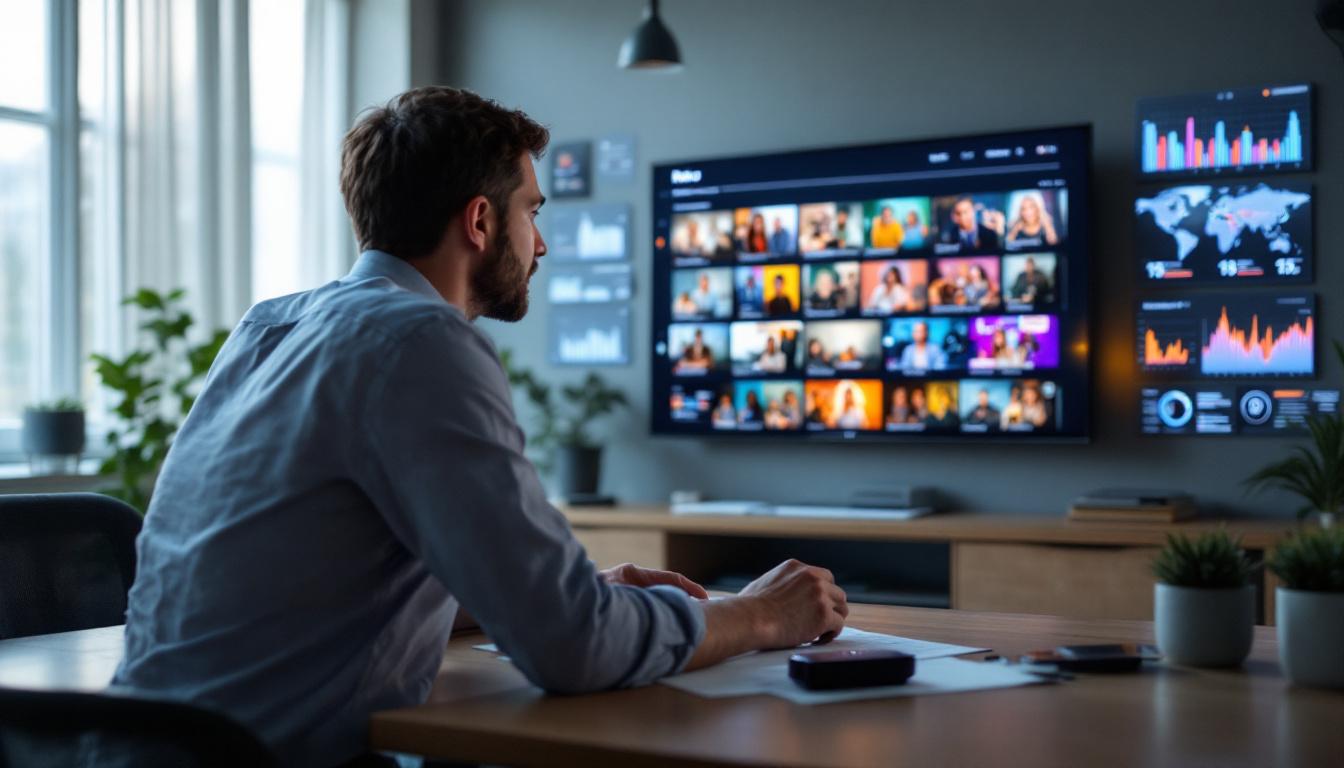
For your ads, this translates into pieces that feel native to the streaming environment: good audio, clean image, large text, minimal on-screen text, and a very direct message. The following work well:
- Limited-time promotions (“this week only,” “limited spots available”).
- Concrete benefits (“free shipping,” “first consultation free”).
- Short stories that show the before and after of using your product or service.
- Clear calls to action: “visit misha.mx,” “scan the code on screen,” “search for our app.”
The more specific and actionable the message, the easier it will be for people to remember your brand and take the next step after seeing your ad on devices like Roku.
How to combine your Streaming TV ads with social media
Advertising on devices like Roku works even better when it is part of a well-structured media mix. Social media remains a key channel with massive reach. According to a study by the agency Branch, Facebook ads in Mexico reached 93 million people at the beginning of 2025, while X (formerly Twitter) had an advertising reach of 16.9 million in the same period according to a report cited by the Ministry of the Interior.
The idea is not to choose between devices like Roku or social media, but to integrate them. A very effective strategy is:
- Use Streaming TV to build reach and brand recall on the big screen.
- Reinforce the message with ads on Facebook, Instagram, or X that drive immediate action (clicks, leads, purchases).
- Repurpose creative assets: adapt your CTV video into short versions for reels or stories.
- Measure increases in brand searches and direct site traffic while campaigns on devices like Roku are active.
With Masha, you can keep your CTV campaign running and adjust your investment based on the impact you see in your other channels. When you notice more brand traffic or better metrics on social media, you’ll know the big screen is doing its job of “opening the door.”
Common mistakes when advertising on Streaming TV (and how to avoid them)
Many CTV campaigns fail not because the platform doesn't work, but because of details that are easily corrected. Avoiding these typical mistakes makes a big difference in your return on investment:
- Messages that are too long or confusing. If the user doesn't understand what you offer in the first 5–7 seconds, you lose their attention. The ideal approach is to open with the core benefit: what you solve and for whom.
- Not including a clear call to action. Your ad should close with a specific action: “visit…,” “scan the code,” “book your appointment today.” The big screen can also drive action, not just “branding.”
- Forgetting geographic segmentation. For local businesses, this is critical. Paying for impressions in cities where you have no presence is a waste of budget.
- Not checking metrics in real time. Launching a campaign and not looking at it again until the end is just replicating the old TV model. It is recommended to check it at least once a week and make adjustments.
- Underestimating the importance of audio. On devices like Roku, many people watch content with the volume turned up. Poor audio can ruin a good video; pay attention to the voiceover, music, and mix.
Using a platform like Masha makes it easier to detect these errors because you have live metrics and the ability to pause or edit campaigns with just a few clicks. This allows you to learn quickly, correct, and relaunch without complicated processes or endless wait times.
Next steps: how to launch your first Streaming TV campaign
The time to get into CTV is now. During 2022, at least 46% of companies operating in Mexico increased their digital media advertising investment according to a study cited by El Financiero. Devices like Roku and the rest of the Streaming TV ecosystem are part of that movement: more budget moving away from traditional TV and into measurable, segmentable, and flexible platforms.
For a Mexican company, a very practical path is:
- Define a concrete objective for a first test (for example, driving site visits for one month).
- Create a Masha account in less than 5 minutes and set up your first campaign on devices like Roku with a moderate budget.
- Test two or three different 15–30 second creatives.
- Review metrics in real time, adjust targeting, and move budget to the best-performing ad.
- Scale your investment only when you see a clear impact on traffic, leads, or sales.
Advertising on devices like Roku is no longer a luxury reserved for big brands. With self-service tools, pricing starting at $0.01 per view, no contracts, and no minimum investment, any business can appear on the big screen and compete for attention where the most engaging content is being watched today. Ready to launch your first TV campaign? Sign up for Masha, create your account in less than 5 minutes, and advertise on Streaming TV in just 10 clicks.
Take the leap into the future of advertising with Masha and discover how easy and accessible it can be to advertise on streaming television.